
An item’s Template determines what Attributes show on the Item Page.
For example, you could have a Template “Book” with attributes including “Cost,” “Price,” “Number of Pages,” and “Publisher”. You might also have appliances as items in your system. For those items "Number of Pages" is not relevant, so your items of type “Appliance” might have different attributes such as “Wattage”, “Voltage”, “Model Number”, and “Warranty Expiration Date”. Templates, as collections of attributes, allow you only to see what is applicable for that kind of item.
An Item’s Template is designated by “Template” on the Item Page. You can click on it to see all the available Templates:
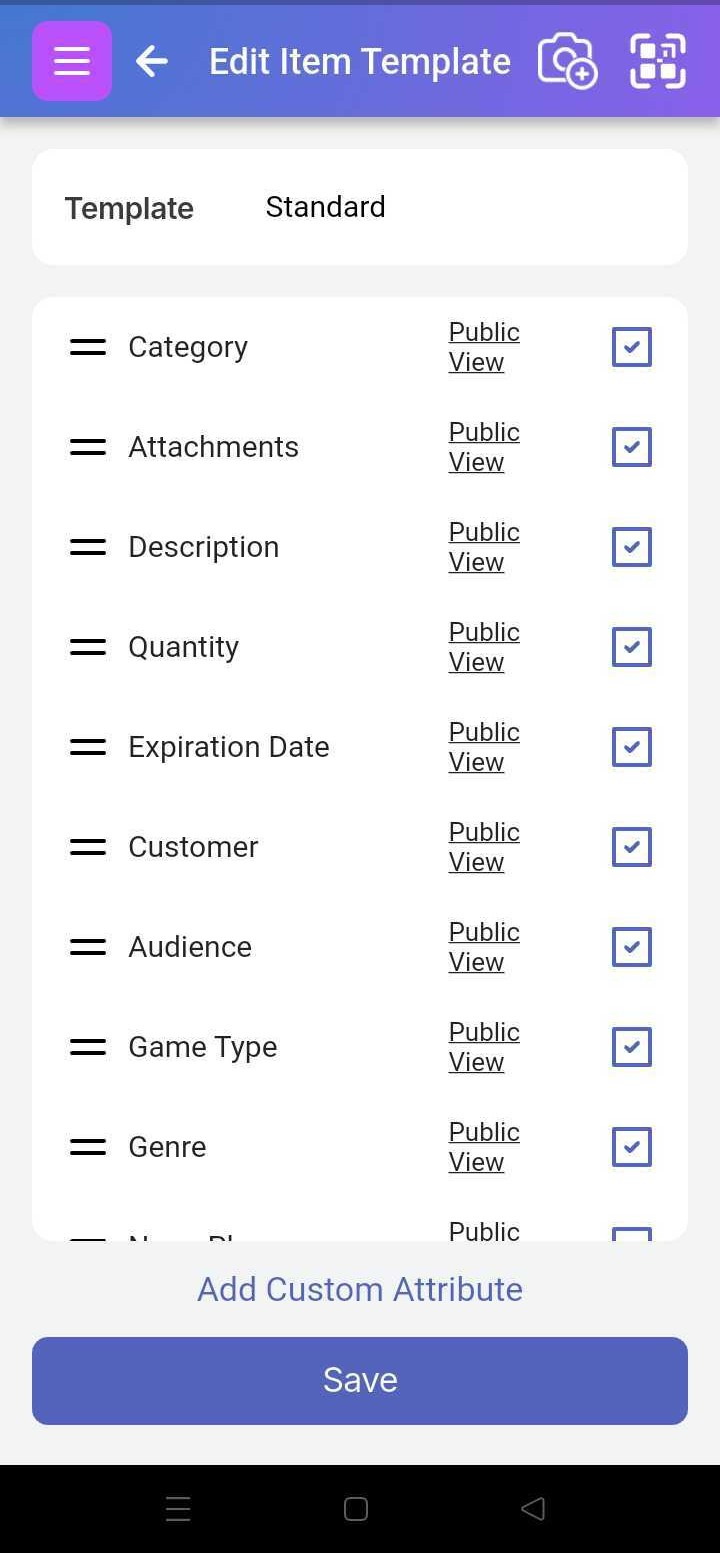
Read the section on Customizing Templates for how to configure them.
For adding or updating a Template’s attributes, see the section How to add standard and custom attributes