
Managing equipment and assets used to be simple. There was just one site, a few tools, and one person who "just knew" where everything lived. Unfortunately, that's no longer the case.
Today, even small organizations like constructions, IT, Labs, schools, juggle shared equipment across multiple locations and rotating crews. As operations spread out, so do the inefficiencies: misplaced tools, outdated spreadsheets, duplicated purchases, and hours wasted tracking down items that should have been easy to find.
Traditional tracking systems like paper logs and spreadsheets just can't handle this level of complexity. They depend too much on manual data entry, and crumble when teams need real-time visibility.
That's why more organizations are shifting toward QR code inventory management solutions. This specialized software streamlines how your team catalogs and maintains equipment. It's a smarter approach to inventory management that simplifies chaos and gives your team instant access to information.
Still, there are plenty of software options out there, so what's the right option for your company?
The Shift Toward Visual, Mobile-First Inventory Systems

Inventory management requires more than simply storing information. You also need to make this information instantly accessible and easy to understand. Organizations across industries are moving away from text-heavy, spreadsheet-inspired systems and adopting visual, mobile-first workflows that rely on photos, simple prompts, and QR code item tracking to keep equipment organized and available.
The reason for the change is surprisingly simple: efficiency. People work faster when they have a system that matches how they already work. A technician can snap a photo of a tool faster than they can type out a description. A warehouse team can scan a QR code more accurately than they can search through a lengthy list.
These improvements directly affect return on investment. After all, people will use simple, helpful systems that make their jobs easier. And the more employees use a system, the better your data will become.
This is why the new wave of inventory management platforms prioritizes real gains in efficiency, not just lists of fancy features. Visual-first, mobile-first systems remove the friction that slows people down, helping you finally get the clarity and control you've been missing.
Where Sortly Falls Short for Modern Teams
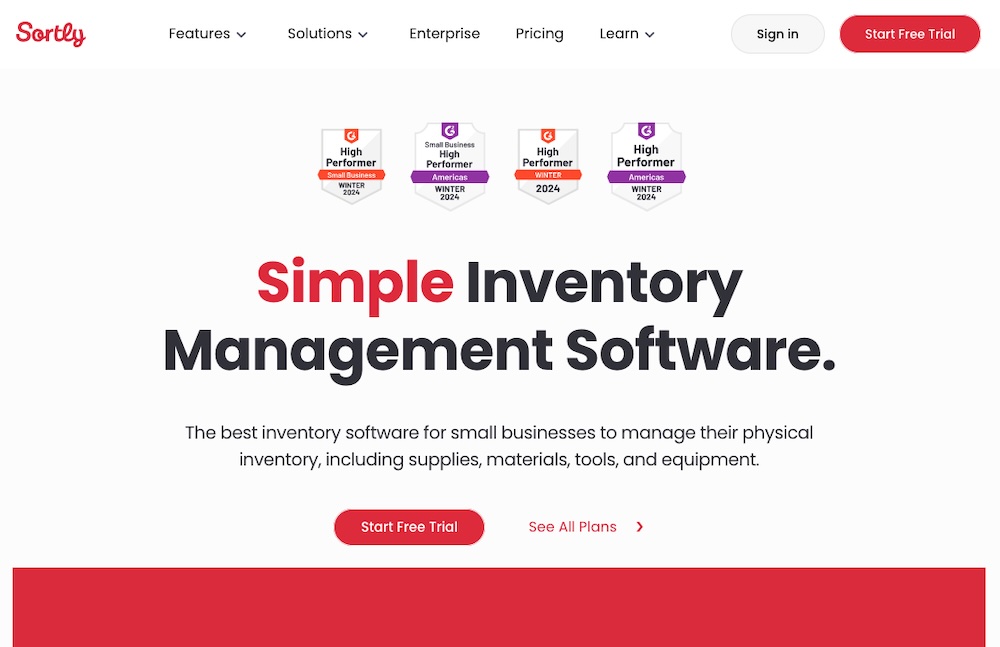
Sortly is a well-known inventory tool, especially for smaller organizations looking to move beyond spreadsheets. It's visually clean, easy to set up, and popular among teams that want a straightforward way to catalog basic items.
But as you add more equipment, people, and locations to your operations, Sortly can't always keep up. Sortly has several limitations, including:
- Manual data entry: Users must type item names, categories, and details individually, which slows everyone down and introduces inconsistencies. For large inventories or environments where equipment changes hands constantly, this is a tedious and error-prone process. It currently doesn't contain AI image or video recognition.
- App requirements: Sortly requires every user to download an app to participate. For distributed teams with contractors, warehouse staff, field crews, school personnel, and volunteers, requiring an app immediately reduces adoption. Many casual or temporary users simply don't want to install new software, which means fewer people can update item information when it matters most.
- Data ownership: Sortly's exports don't include complete records with images, metadata, or structured folders, making it difficult for you to create full backups or migrate to other systems. This introduces tech lock-in that makes it hard to truly own your information.
- Collaboration barriers: Sortly lacks features that modern teams increasingly depend on, such as equipment booking and reservations. Without built-in calendar tools, return dates, or automated reminders, organizations have to rely on manual processes or external tools to coordinate shared resources.
- Limited visibility: Documentation and audit visibility are similarly restricted. Sortly offers limited attachment flexibility and minimal change-tracking, which can make it hard to maintain a complete history of maintenance, inspections, or updates across teams.
Sortly is a popular choice for simple cataloging, but it may not be enough as your business grows. Sortly can't always keep up in multi-site organizations with collaboration-heavy workflows. You need something more modern to improve visibility while keeping the inventory tracking process flexible.
Why Scanlily Aligns Better With Modern Inventory Challenges

Today, business as usual is anything but "the usual." Your company is growing, and you need tools that support adoption while giving your team clarity. This is about more than simply digitizing old workflows.
Scanlily is a smart alternative to Sortly that meets the demands of modern business. We blend AI with a flexible QR code inventory system that simplifies how your team manages equipment day to day.
Here's how it meets today's challenges head-on.
Designed for Speed
Speed is where Scanlily immediately stands apart from Sortly. Instead of relying on manual data entry, Scanlily uses AI image recognition to catalog items in seconds, often with just a quick photo. You can catalog hundreds of items in minutes, not days. This dramatically reduces the setup time that usually drains teams when building out new equipment libraries.
Scanlily's QR-first workflow also accelerates the process. Instead of creating an item and then attaching a code, Scanlily flips the script:
- Scan the QR code first
- Snap a photo
- The system takes care of the rest
This process makes using QR codes to track inventory faster and far more scalable.
Finding items is just as fast in Scanlily. Smart, natural language search lets teams type queries the way they speak. Your team can use prompts like, "Show me cameras in the studio," or "Find tools that need maintenance."
Scanlily's visual recognition tech also makes it easy to locate equipment by photographing it. For busy teams managing tools, devices, and supplies across departments or job sites, this level of intelligent search dramatically improves equipment and software management.
Max Usability
Scanlily is built around the reality that inventory systems only work when everyone can use them. And we mean everyone, not just the few employees who are comfortable with technology.
That's why Scanlily supports mixed teams with app-free access. Anyone can scan a QR code with their phone's camera and instantly view item information in a browser. There's no account, download, or onboarding required.
This zero-training approach eliminates the adoption barriers that often sink inventory projects. While you'll need the Scanlily app to use our more advanced features, the app-free setup allows your team to participate without the learning curve. By contrast, systems that require app installation create friction and limit how many people can contribute to maintaining accurate inventory data.
Efficient Collaboration and Documentation

Scanlily makes collaboration effortless by keeping every detail right where teams need it: on the item itself. Our Attachments feature acts as a living thread, allowing users to add:
- Timestamped notes
- Maintenance logs
- Documents
- Photos
- Audio clips
Instead of digging through emails, your team gets a complete, centralized history of everything that's happened to an item.
The built-in audit trail adds another layer of clarity. Scanlily automatically records who made each change and when, creating full accountability across teams and locations. Sortly has no equivalent unified audit trail.
Better Multi-Site Tracking
If you're managing tools, equipment, and supplies across multiple locations, visibility is a must. By combining consumables tracking, movement history, and live location data, Scanlily provides organizations with the clarity they need to keep critical equipment flowing smoothly across every site.
Scanlily's Transfer Baskets and quantity-tracking tools make it easy to manage consumables and track inventory movement between spaces. Quantities update automatically at both the source and destination, reducing the counting errors and discrepancies that often come with manual tracking.
You don't have to worry about updating locations manually, either. Scanlily's GPS mapping shows where items were last scanned and alerts teams when equipment appears at a new or unexpected location. Whether it's a drill that didn't make it back from a job site or a piece of AV gear circulating between departments, teams always have an up-to-date picture of where their assets are.
Efficiency-First Experience
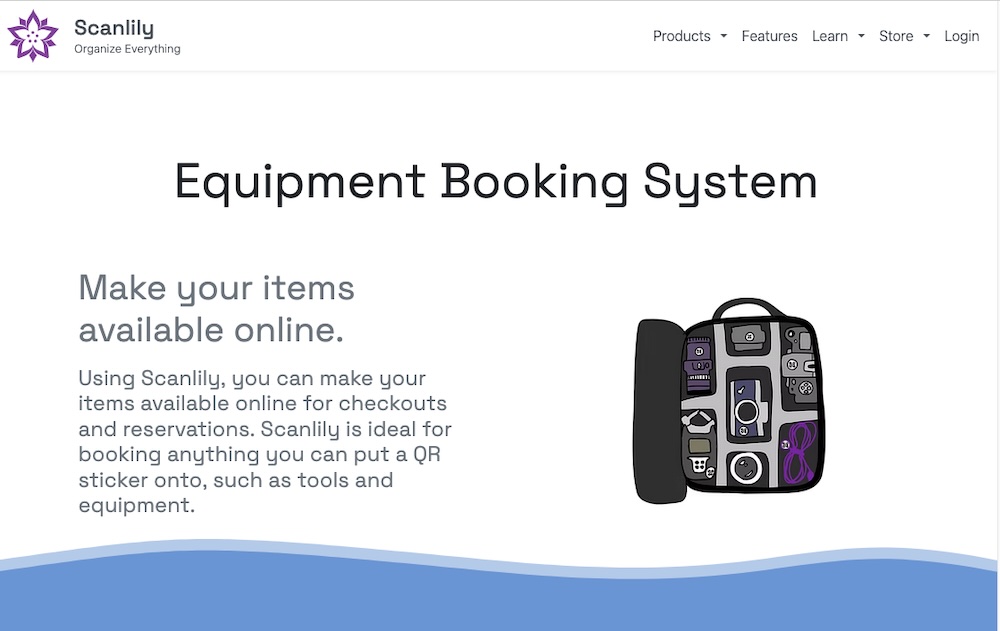
Scanlily helps with equipment tracking, but our real focus is on helping your team work better. For example, Scanlily's built-in equipment booking system eliminates scheduling conflicts through:
- Reservation modes
- Calendar syncing
- Digital agreements
- Automated reminders
You're free to customize your experience, too. Unlimited custom fields let you capture every detail that matters, from warranty dates to calibration requirements, without forcing information into predefined boxes.
Storage structures are just as intuitive. Scanlily's container functionality mirrors how you actually organize your space: in shelves, bins, kits, boxes, and nested items. This setup maintains relationships and makes it easier to navigate the platform.
We also make it efficient to maintain control over your own data. Back up your entire inventory data whenever you want with no-hassle exports. Our setup ensures efficiency without vendor lock-in, unlike options like Sortly.
Choosing between Scanlily and Sortly

Every organization manages inventory differently, which means the "best" system isn't about which platform has the most features. You need a solution that matches your ways of working. Scanlily and Sortly can both help teams move beyond spreadsheets, but they're built for very different users.
Scanlily is ideal for:
- Fast-moving, multi-site teams
- Cataloging items quickly
- Organizing documentation
- Empowering all users, not just employees, to participate
- Equipment moving between locations
- Consumables with changing quantities.
Scanlily's AI-driven speed, app-free access, and advanced tracking tools offer a more modern fit for dynamic work. It's also a strong choice for MRO teams and documentation-heavy environments.
Sortly, on the other hand, tends to work best for smaller teams with simpler workflows. If you're primarily tracking a small number of fixed items, don't need multi-site visibility, and prefer manual cataloging inside a familiar app environment, Sortly can get the job done. It's a solid step up from spreadsheets for teams that don't require advanced collaboration, booking, or quantity tracking.
Here's a clear side-by-side view to help you determine which tool aligns best with your needs:
| Feature | Scanlily | Sortly |
|---|---|---|
| Speed of cataloging | Designed for speed with AI image and video recognition and QR-first workflows; ideal for large item libraries | Manual data entry slows setup, especially with bigger inventories |
| Speed of searching | Scanlily understands conversational search queries like "show me red tools in the warehouse" or "find equipment needing maintenance." If you can't remember what you named something, simply photograph the item and Scanlily locates it instantly. | Sortly offers only basic keyword search requiring exact name matches. |
| Access and adoption | Browser-based QR scanning; no app required for participation | App installation required, adding complexity to team member adoption |
| Data ownership | Full export including images, metadata, and folder structure | Limited export structure; harder to maintain complete backups |
| Booking | Built-in equipment booking, calendar sync, and reminders | No equipment reservation or booking tools |
| Multi-site tracking | Transfer Baskets, quantity tracking, and GPS-mapped locations | Less support for consumables or dynamic multi-site movement |
| Collaboration and documentation | Rich attachments, timestamps, audio, video, and a complete audit trail | More limited documentation and change-history capabilities |
| Custom fields and containers | Unlimited custom fields and true nested containers | Custom fields are available, but with limits; containers are less flexible |
| Price | Low price. Month-to-month subscription. Unlimited free QR code generation (Business). | Price is more than 3x higher and requires a one-year commitment. |
| Best for | Multi-site teams, MRO operations, fast cataloging needs, mixed users, large inventories | Small teams, simple workflows, low item counts, single-site operations |
Real-World Inventory Management In Action: How Teams Use Scanlily Day-to-Day
Inventory management looks different in every organization, but the challenges are surprisingly similar: scattered tools, missing equipment, inconsistent documentation, and no easy way for everyone to stay on the same page.
Scanlily helps teams solve these problems in the flow of daily work. If you aren't sure whether Scanlily will work for your application, here are just a few examples of inventory management in action.
Construction Crews
On construction teams, tools bounce between trucks, job sites, and storage units throughout the day. With Scanlily, crews scan a QR code when picking up or returning equipment. Transfer Baskets automatically update quantities, and GPS-tagged scans show where each item was last used. When a supervisor needs a generator or laser level, they can see exactly who has it without making a single phone call.
Facilities and IT Teams
IT departments and facilities managers deal with constant equipment requests. They have to track laptops, monitors, radios, projectors, hand tools, and more. With Scanlily's AI image recognition, they snap photos of incoming gear and build a catalog in minutes rather than days. The built-in booking system handles reservations and returns automatically, complete with reminders. And because updates happen via browser, anyone can participate, from full-time staff to temporary technicians.
Schools and Universities
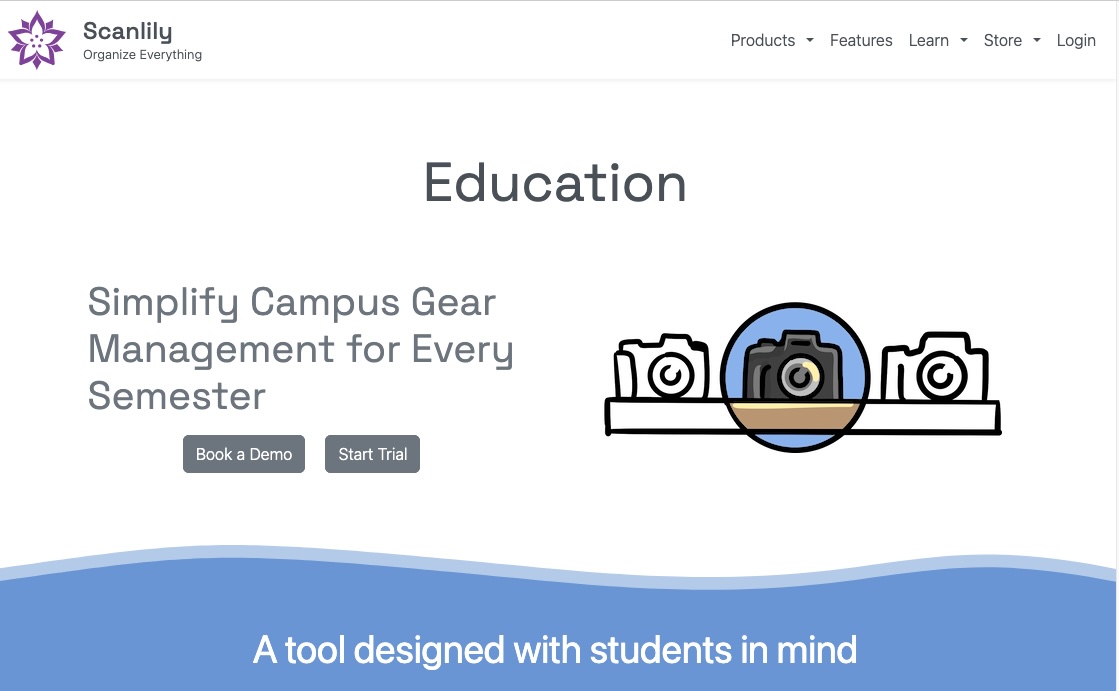
Schools have a wide range of users, from teachers and office staff to volunteers and substitute teachers. No one has time to learn a new system, which is why Scanlily is so helpful for schools. Its app-free QR access means anyone can scan a code to check out a camera, report a broken tablet, or update the quantity of classroom supplies. Custom fields track budget codes, serial numbers, and warranties, helping administrators stay organized without requiring staff to use complicated software.
Creative Studios and Production Teams
Production studios, AV teams, and creative agencies juggle cameras, mics, lighting kits, props, and cables. The challenge is that these are often stored together in containers.
Scanlily's container functionality mirrors the way you already store these assets. Users can book entire kits as a single unit, while the system also tracks the items nested within. Attachments help producers log notes or upload quick inspection photos, and QR codes make it easy to confirm whether everything made it back into the case after a shoot.
Healthcare and MRO Teams
In healthcare, labs, and MRO, documentation matters as much as the item itself. In Scanlily, teams attach helpful information to each item's page, including:
- Calibration certificates
- Inspection photos
- Repair logs
- Manuals
- Audio notes
This setup makes audits less stressful by automatically time-stamping and user-attributing each attachment. As a result, you get complete visibility into every asset's lifecycle in an audit-ready platform.
Warehouses and Supply Teams
Consumables like PPE, parts, chemicals, packing materials, and ingredients need accurate counts to keep your team moving. Scanlily's QR code inventory system and Transfer Baskets automatically adjust quantities at both their source and destination. Managers get real-time visibility across locations and can predict restock needs early, reducing stockouts and saving time on manual counts.
Reimagine Inventory Management
Your team deserves more than paper logs and spreadsheets. They need clarity, mobility, and a system that adapts to the way they actually work. Whether you're managing tools across job sites, organizing classroom equipment, tracking lab devices, or overseeing MRO supplies, modern inventory management should be intuitive and accessible to everyone involved.
Scanlily helps teams reimagine what's possible. Instead of wrestling with outdated methods or rigid systems, teams get the speed, flexibility, and transparency they need to stay organized and focused on the work that matters most.
It's time to simplify your processes. See how Scanlily eliminates bottlenecks with a human approach to inventory management: one built for real operations and real results.
Appendix: Complete Feature Comparison
| Feature | Scanlily | Sortly |
|---|---|---|
| AI Image Recognition | ✓ Automatically identifies, describes, and categorizes items from photos; catalog multiple items from one image | ✗ No AI recognition; manual data entry required |
| Natural Language AI Search | ✓ Conversational queries ("show me red tools in warehouse") and photo-based search | ✗ Basic keyword search only; exact matches required |
| UPC/Barcode Lookup | ✓ 550+ million product database | ✓ Amazon/eBay database lookup |
| App-Free QR Access | ✓ Anyone can scan QR codes via phone camera and view/update through browser—no app needed | ✗ App installation required for all users |
| QR Code Generation | ✓ Unlimited, free (Business tier) | Extra cost; limited quantity |
| Equipment Booking System | ✓ Three modes: Checkout, Reservation, Reservation with Pickup; calendar sync; digital signatures | ✗ No booking or reservation functionality |
| Web Calendar View | ✓ Visual calendar with color-coded overdue alerts | ✗ No calendar view |
| Attachments | ✓ Unlimited notes, images, documents, audio files; timestamped with user attribution | Limited documentation within predefined fields |
| Video Recording | ✓ Record videos directly in attachments (Pro/Business) | ✗ No video recording |
| Audit Trail (Change History) | ✓ Complete log of who changed what and when | Limited change tracking |
| Multi-Site Transfer Baskets | ✓ Automatic quantity adjustments at source/destination; consumable tracking | ✗ No transfer functionality; single-asset tracking only |
| GPS Tracking & Mapping | ✓ Interactive maps; automatic location updates on scan | ✗ No GPS or mapping |
| True Container Nesting | ✓ Unlimited nesting; containers bookable as kits; quantity tracking | Basic folders; less flexible |
| Custom Fields | ✓ Unlimited (Pro/Business); 5 data types | Capped at 23 fields |
| Automation (Triggers) | ✓ If-then rules auto-update fields based on conditions | ✗ No automation |
| Custom Notifications | ✓ Full message customization with dynamic fields | ✗ No notification customization |
| User Roles | ✓ 7-tier hierarchy with granular permissions | Basic Admin/User roles only |
| Data Export/Backup | ✓ Full ZIP backup with images, attachments, metadata, and organized folders | Limited export; no comprehensive backup |
| Reports | ✓ Dozens of report types (PDF, Excel, CSV); allocation, utilization, depreciation | Limited reporting |
| API Access | ✓ REST API included (Business tier) | ✓ API requires Enterprise tier |
| Pricing | ✓ ~80% less expensive; month-to-month; unlimited users | Higher price; annual commitment required |
| Deployment Time | ✓ Minutes; minimal training needed | Longer setup for larger inventories |